MonStim Analyzer
Reproducible EMG curation, analysis, visualization, and export for MonStim laboratory exports.
MonStim Analyzer helps researchers import MonStim V3 recordings, organize and curate data, define latency windows, calculate EMG responses, visualize results, and export traceable outputs. Use it as an all-in-one curation-to-plotting-and-export suite, or use its managed hierarchy and review tools to prepare data for your own downstream analysis pipeline.
Download Windows beta Start your first analysis
Project and developer
MonStim Analyzer is developed by Andrew Worthy. Visit the Worthy Lab website for his CV, research background, and contact information.
Before you import
MonStim directly supports CSV exports from the MonStim V3D and V3H LabVIEW acquisition formats. It does not infer arbitrary proprietary or custom acquisition layouts. If your data come from another system, use an approved importer add-on or request an importer.
A typical workflow
- Import an experiment and inspect a raw and filtered traces.
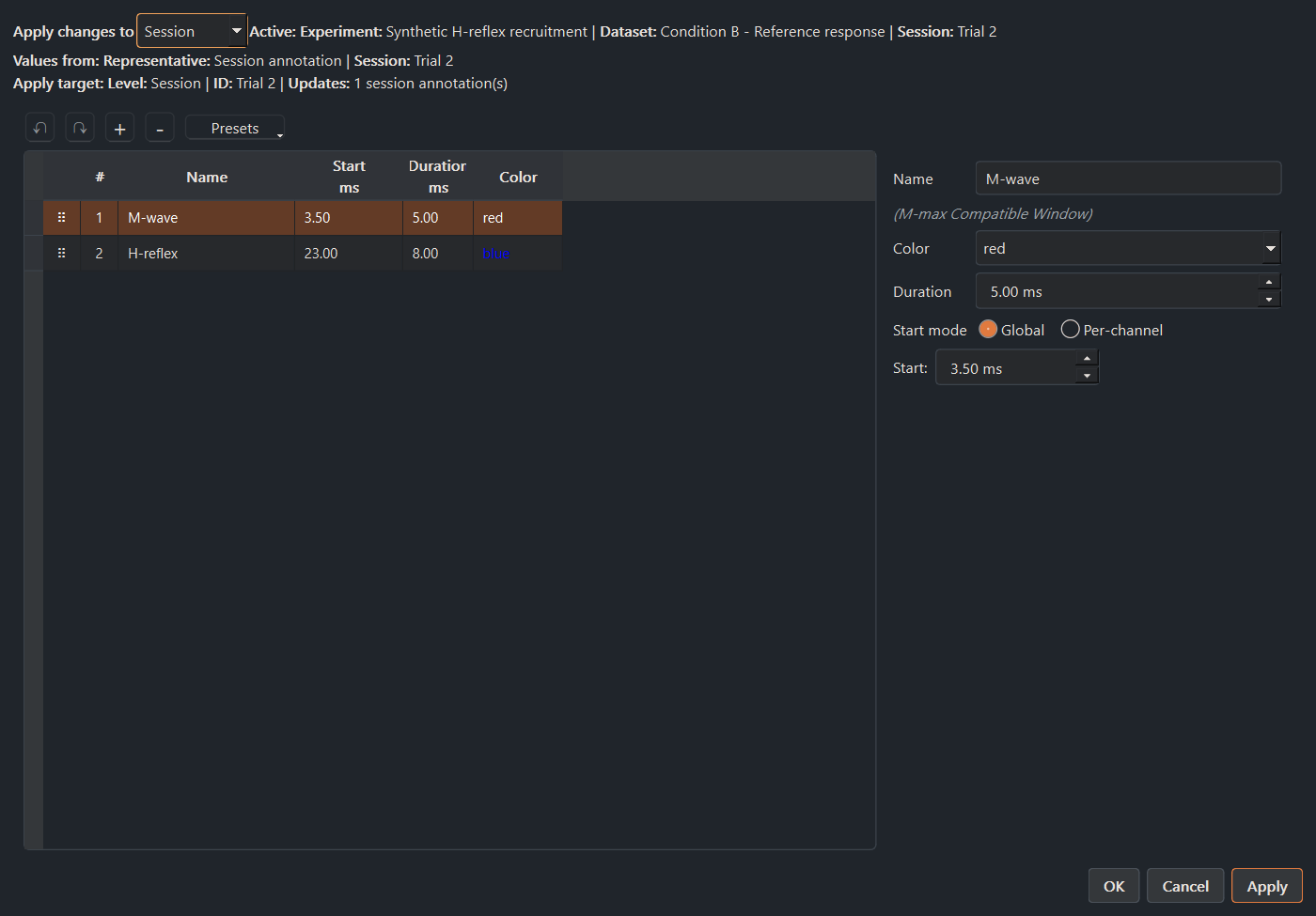
- Confirm channel identity, timing, stimulus alignment, and latency windows.
- Select the analysis profile and amplitude method appropriate for the protocol.
- Review diagnostic notices, exclusions, plot contribution counts, and missing values.
- Interpret results in MonStim, or export curated data with the analysis settings needed for your downstream pipeline.
Explore the synthetic demo protocols
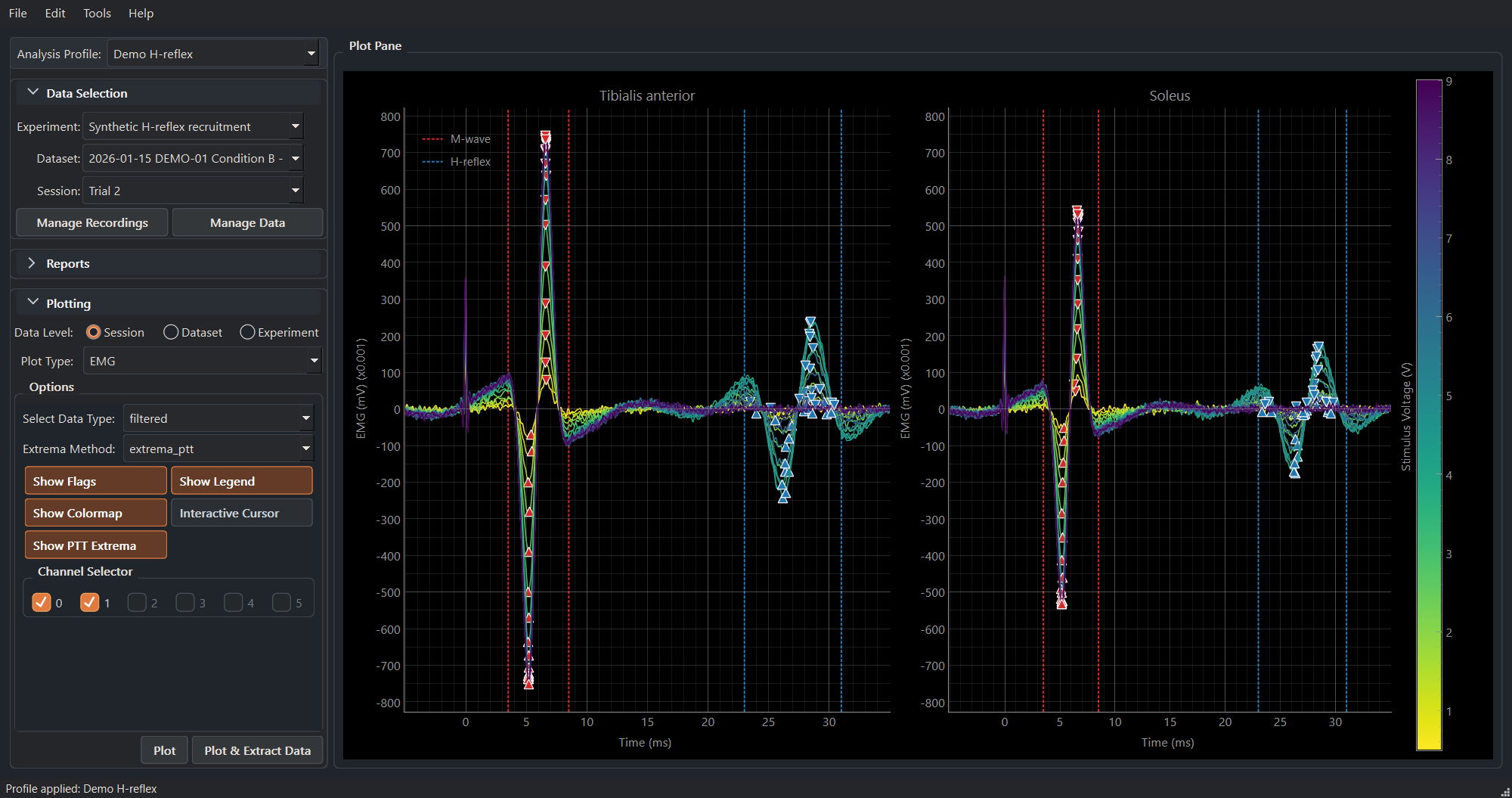
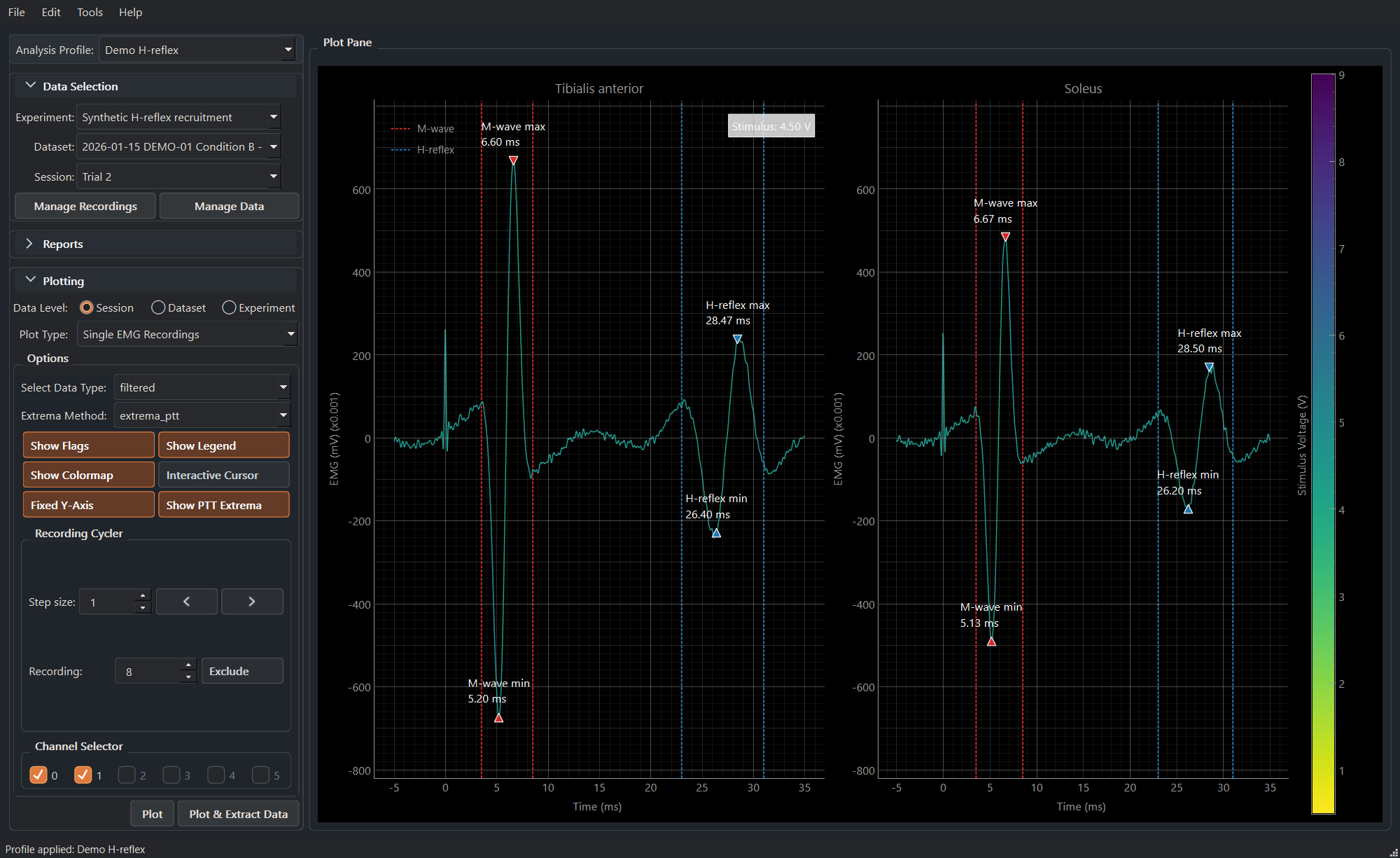
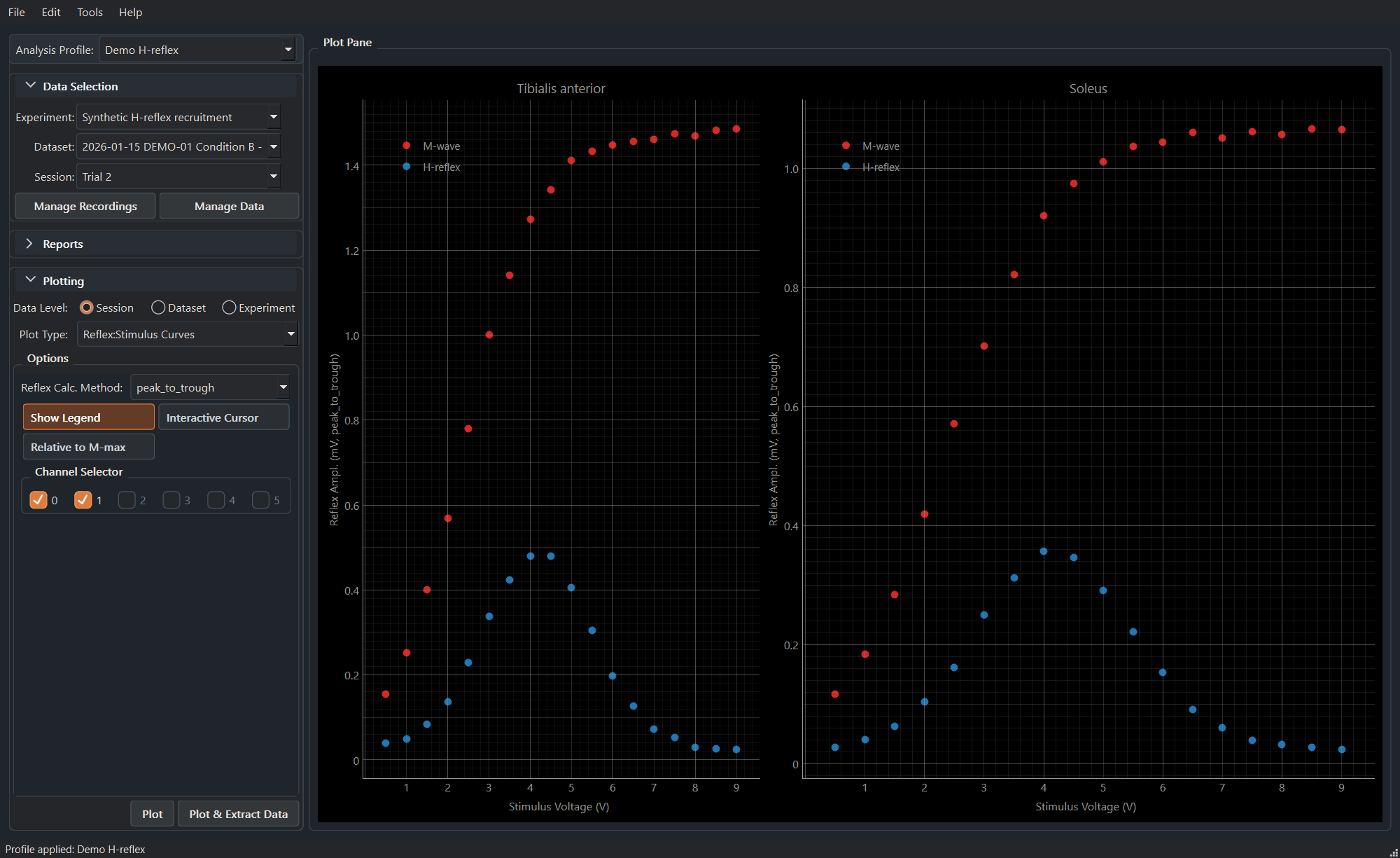
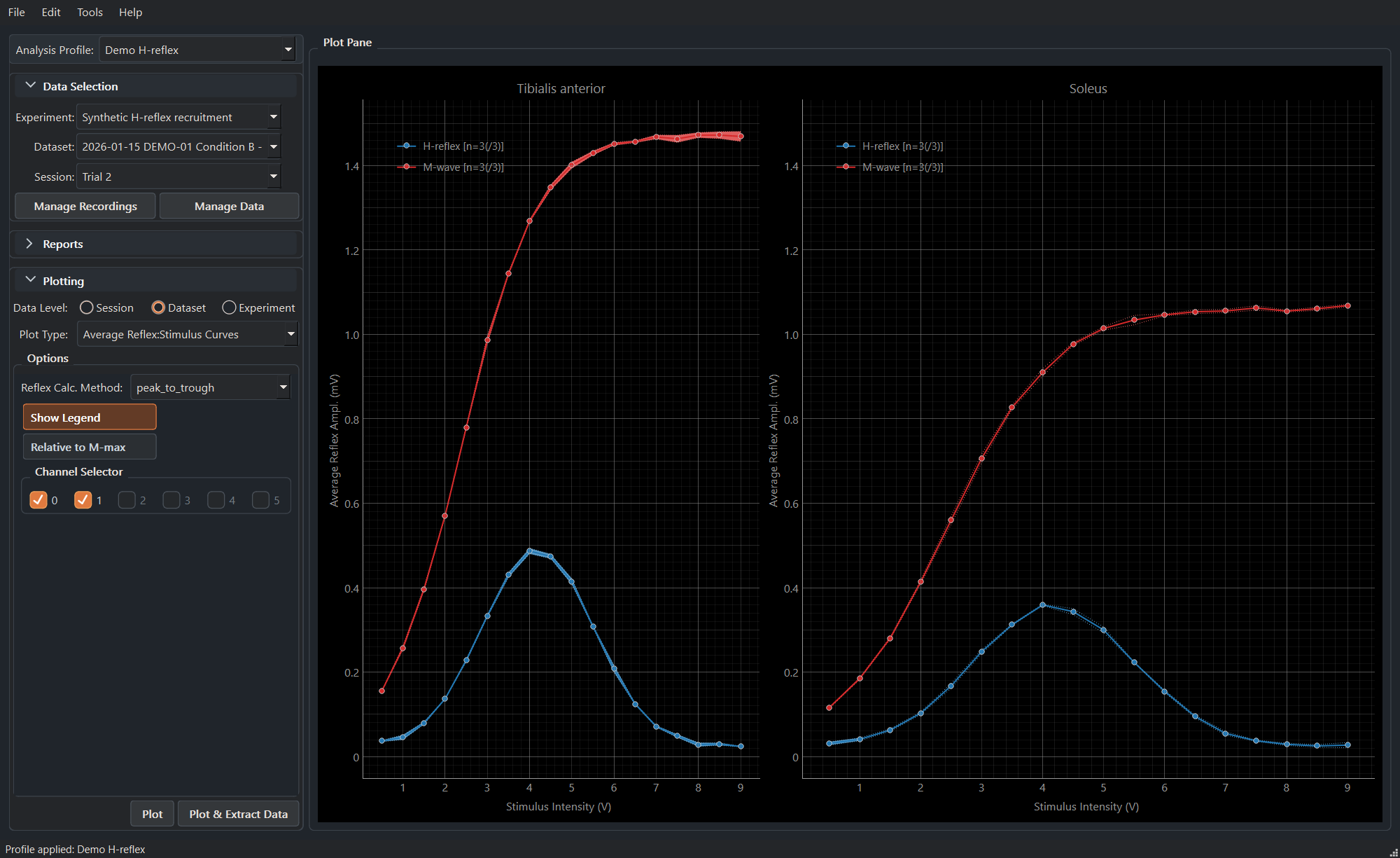
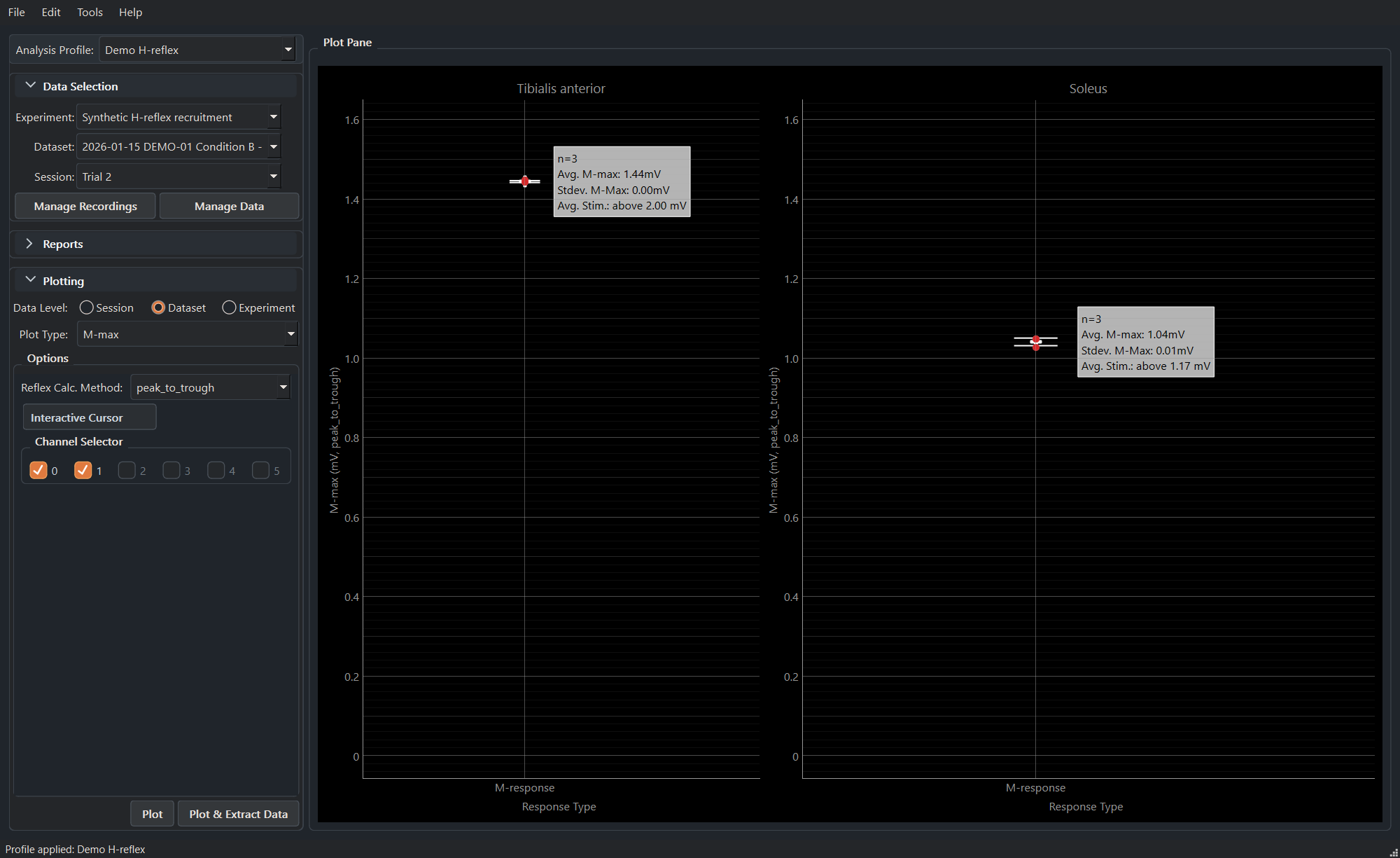
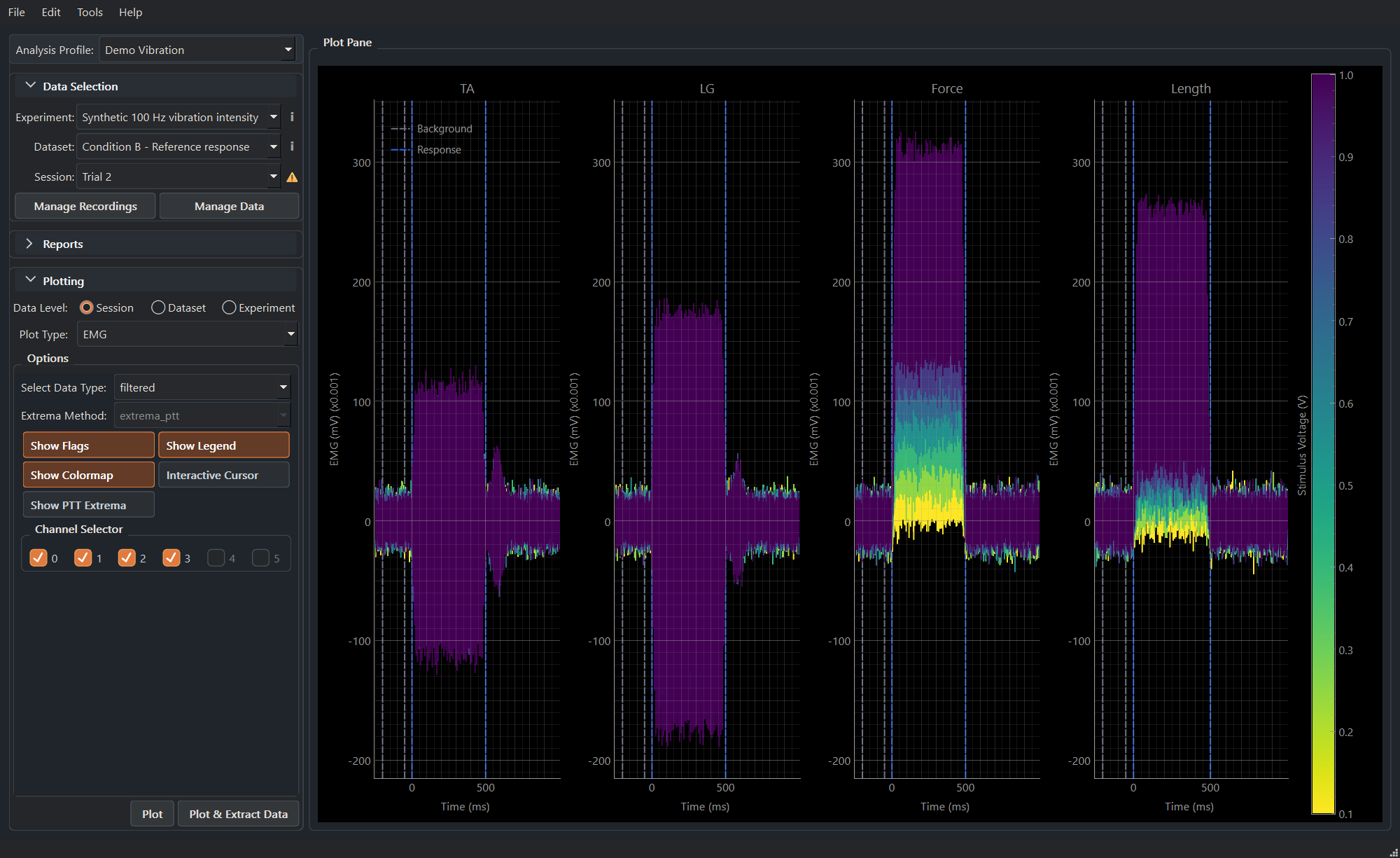
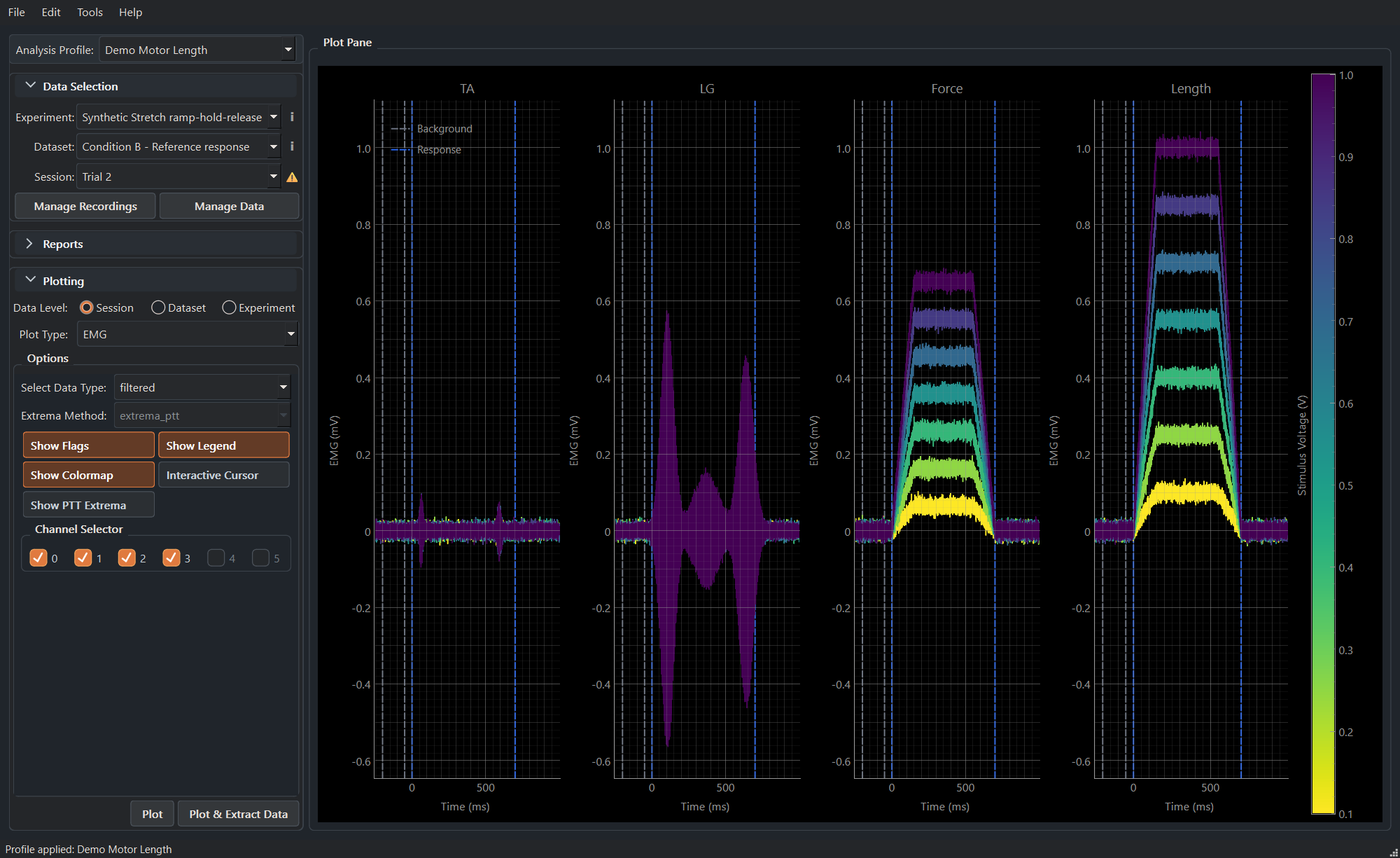
The packaged synthetic-protocol demo archive lets new users explore H-reflex recruitment, 100 Hz vibration, and stretch ramp-hold-release analysis before importing their own recordings. Every screen below is captured from MonStim's real UI using fictional data only.
Documentation by need
- New to MonStim: Getting started, Understanding the data hierarchy, and Importing experiments.
- Looking for the main application reference: Using MonStim Analyzer.
- Running analyses: Analysis profiles, Latency windows, and Exporting results.
- Understanding a method: Analysis methods, EMG processing, and M-max estimation.
- Getting help: Troubleshooting, the in-app error-report tool, or an issue form.
Citation
If MonStim contributes to academic work, please cite the software. The repository provides a machine-readable CITATION.cff, and the application offers Help > Copy Citation. See How to cite MonStim.